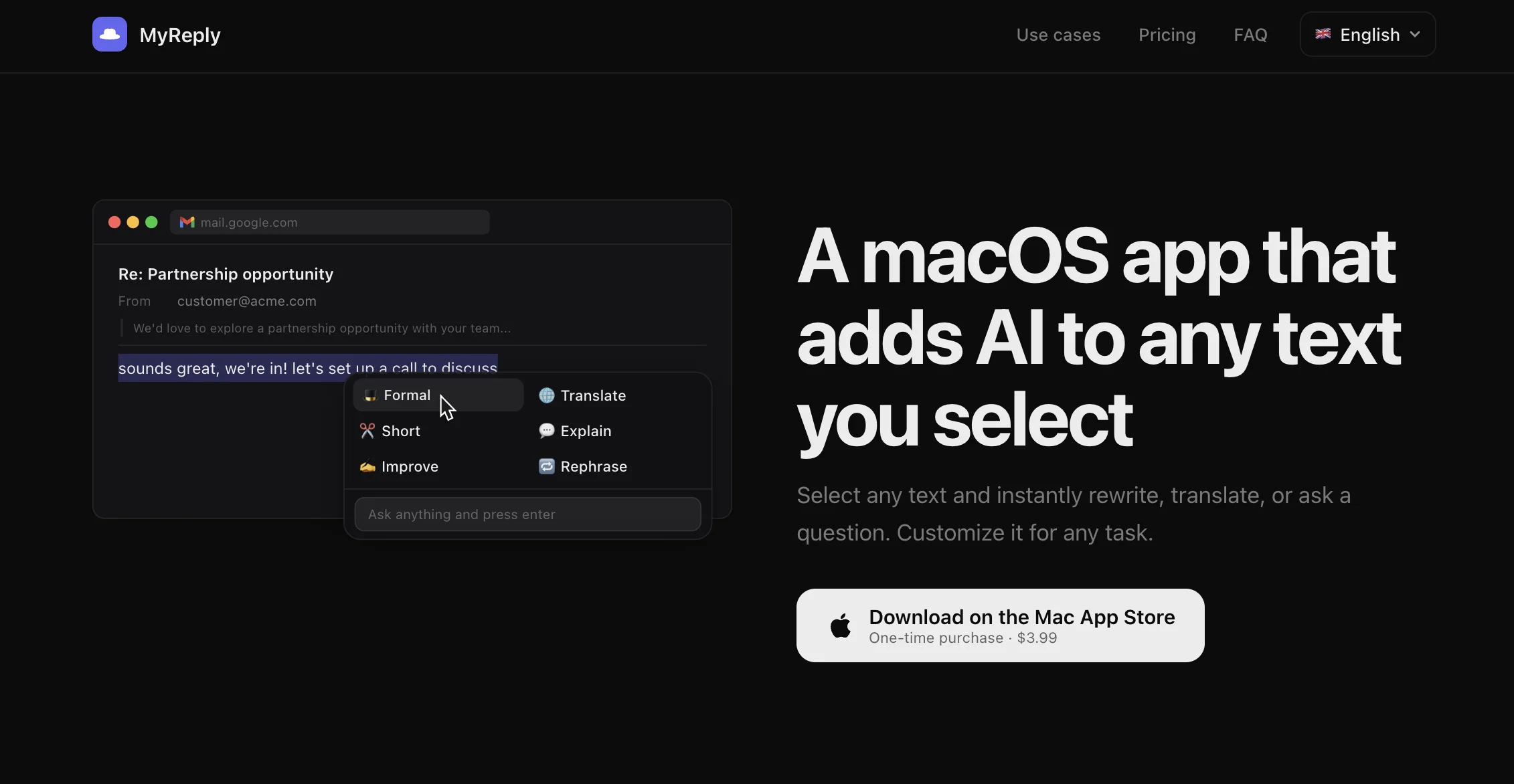
MyReply is a native macOS utility that adds AI actions to any selected text. Highlight something, hit a shortcut, and rewrite, translate, explain, or ask a question — without the copy-paste dance into a chat window.
Why I built it
I got tired of the same loop: select text → Cmd+C → switch to browser → paste into a chat → copy the answer → switch back → paste. Ten times a day, every day. All that acrobatics eats minutes and kills focus.
I wanted AI to live inside the OS, not in a separate tab. Select something, and it's already there.
The floating window was the hard part
The panel has to appear next to the cursor, stay above every other app, and — crucially — not steal focus from whatever you're typing into. macOS doesn't give you that behavior out of the box. Getting it right took more fiddling than the rest of the app combined.
Custom actions
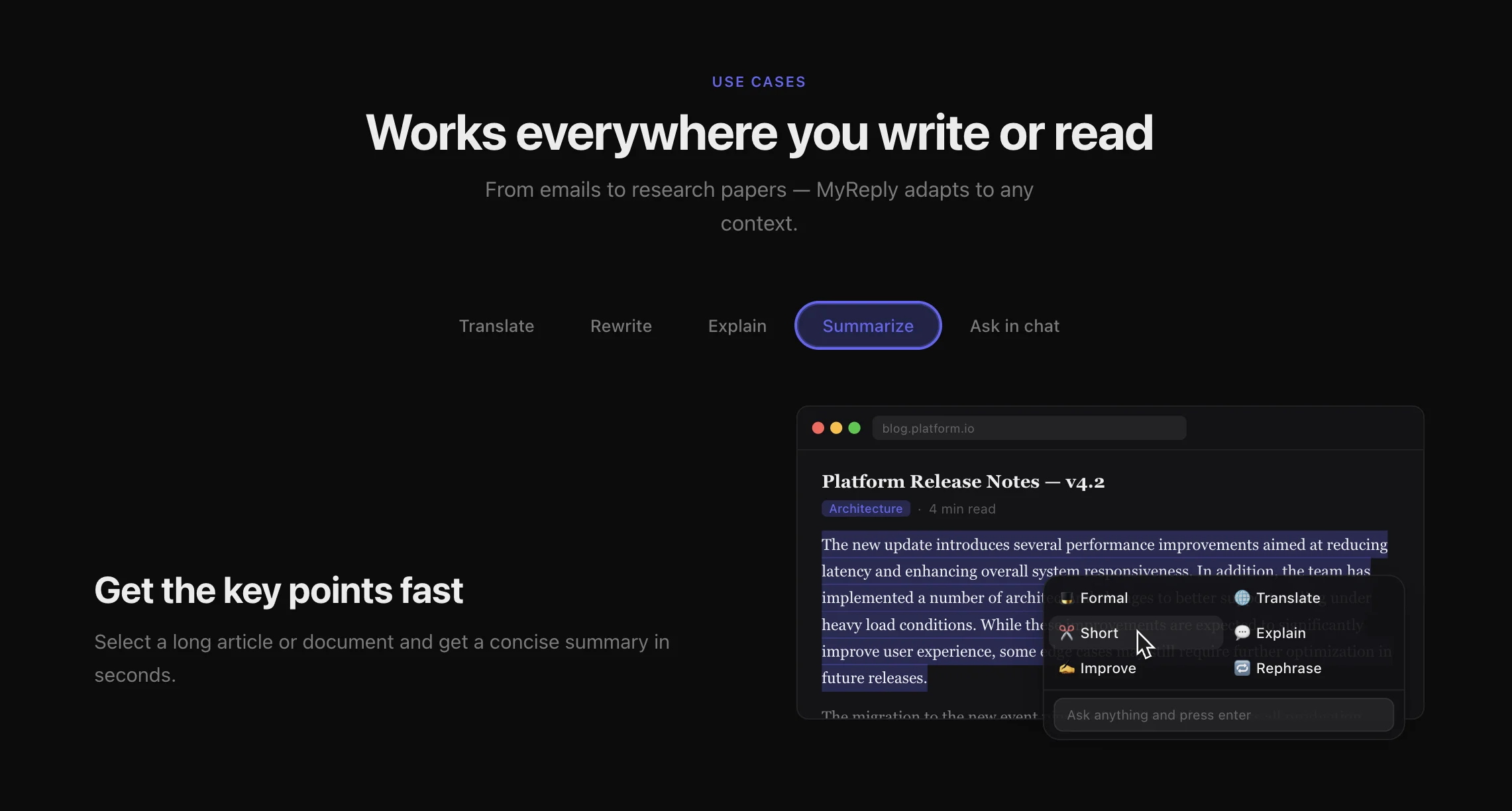
Baseline commands — translate, rewrite, explain, summarize — ship out of the box. But the real power is custom actions: any user can add their own with a prompt template. The {{text}} placeholder gets replaced with whatever you selected.
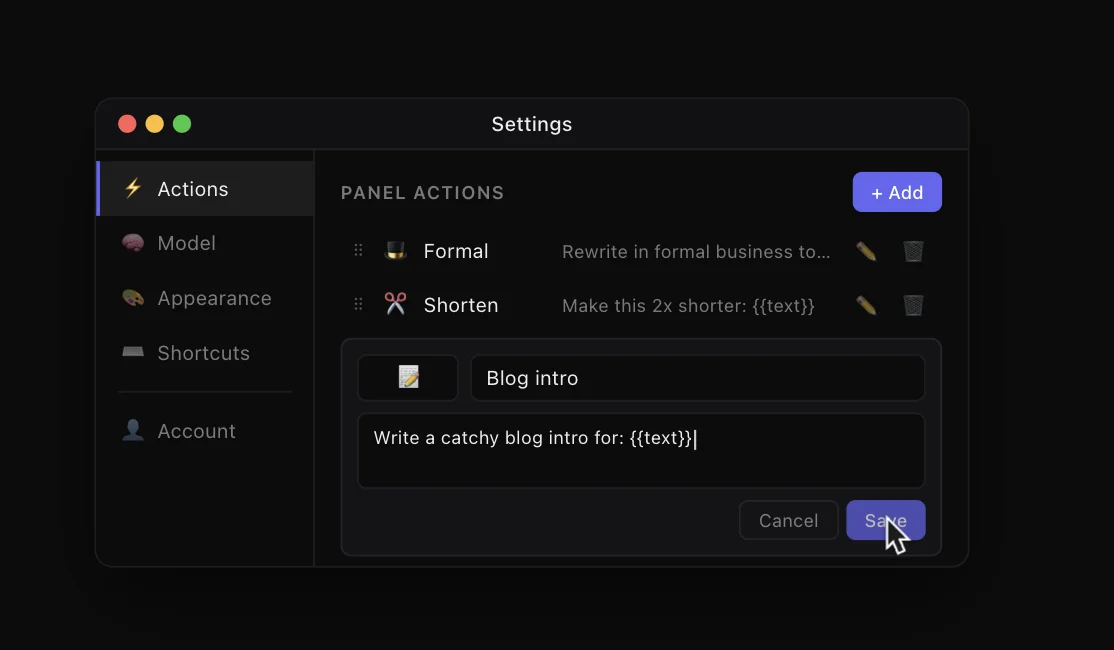
Some I use daily:
- "Rewrite in a formal tone" — for client emails
- "Make this 2x shorter" — for bloated paragraphs
- "Blog intro from this" — when I need to kick off a post fast
No vendor lock-in
MyReply doesn't marry you to a single provider. Bring your own API key — OpenAI, Anthropic, Google, any compatible endpoint. Traffic goes straight from the app to the provider; nothing passes through my servers. You pay the provider for exactly what you use.
Pricing
One-time purchase on the Mac App Store. Buy it once, use it forever. No subscriptions — this is a utility, not a service, and I wanted the pricing to reflect that.
The app is already live. Site: myreply.app.